 AI image
A rejected Amazon FBA delivery usually comes down to one of four causes: a missing or missed appointment, a mismatch between the delivery and the shipment data, unreadable or misplaced labels, or pallets outside the specification. The truck cannot wait at the gate forever, so you need a plan B: the goods go to a UK buffer warehouse, we remove the reason for refusal and book the delivery again.
What gets trucks turned away at an FBA site
- No slot, or arrival outside a window nobody rebooked.
- A gap between the appointment and the load: different pallet or carton count, different shipment number.
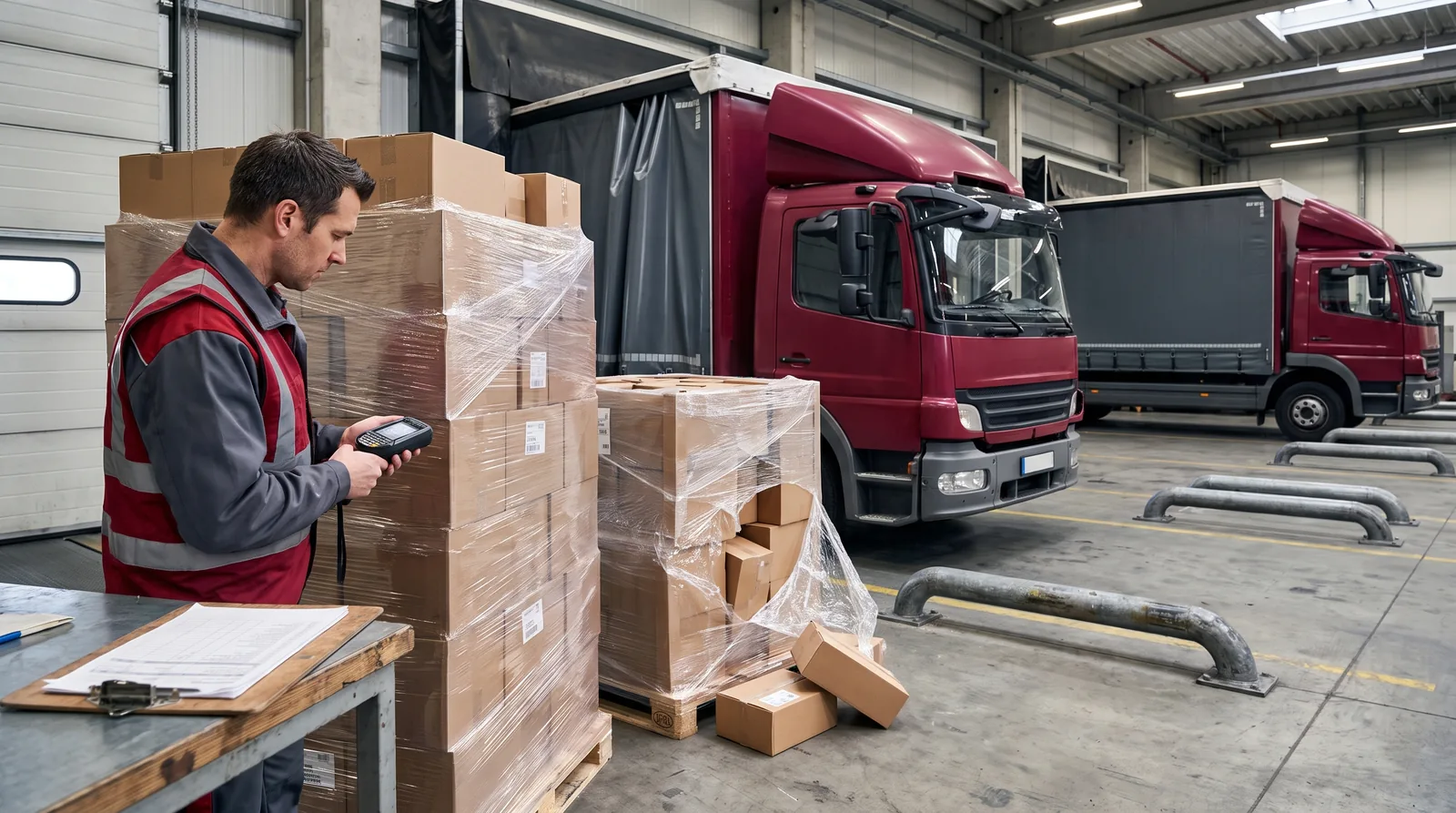
- FBA labels unreadable, wrapped over with film or stuck on the wrong side.
- Pallets outside the spec: overhanging goods, over height, damaged pallet.
Document the refusal immediately: driver note, photos, the entry in Seller Central. Without that, the second attempt is guesswork.
What happens to the truck at the gate
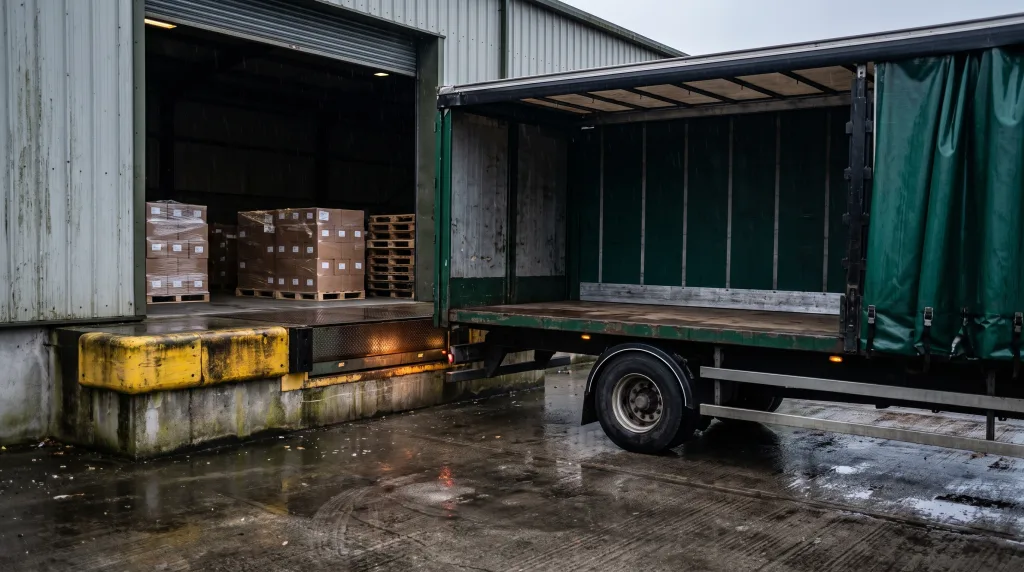
This is the bill many sellers never see coming. A truck cannot sit at an FBA site for days: demurrage costs money, driving-time rules push the driver on, and the trailer is planned for the next jobs. Every hour of indecision narrows the options, so the plan B call is made in hours, not days.
Plan B: the Milton Keynes buffer
The worst outcome is sending the goods back across the border to Poland: double transport and another customs entry. Instead, the load comes to our Milton Keynes warehouse. We check the refusal reason, repack the pallets, print and apply correct labels, then book a fresh delivery window. The same mechanism runs our ReturnHub service when goods come back from customers.
How not to get caught twice
Most rejections can be caught before loading: pallets and labels checked against the Seller Central specification, carton counts matching the shipment, the appointment chased until confirmed. How to build a compliant pallet is covered in our piece on Amazon pallet requirements in the UK, and the whole route from collection in Poland to the site gate is run by our Amazon delivery service.
What customs and technical procedures must you trigger when redirecting a truck to a buffer warehouse?
When a driver receives a rejection at the Amazon FBA bay, the clock starts ticking immediately. Standard demurrage-free waiting time for a trailer is usually 2 hours from the scheduled delivery window. If you do not decide on a rerouting plan within these 120 minutes, standby charges accrue per hour at rates determined by your transport agreement and vehicle specification. Crucially, if the shipment entered the UK under a T1 transit procedure, changing the discharge location requires ending the transit movement at an Authorised Consignee location or customs clearance facility within 24 hours of leaving the FBA gate. Failure to discharge the NCTS declaration risks customs penalties and a freeze on the carrier's transit guarantee.
At the buffer facility, physical rectifications must strictly comply with Amazon guidelines. A standard wooden pallet delivered to an FBA fulfilment centre must not exceed 1.8 metres in height including the pallet base, and its total gross weight must not surpass 500 kilograms. Individual boxes on the pallet must not weigh more than 15 kilograms unless they contain a single oversized item. If even 1 carton is damaged or outer stretch film becomes loose, warehouse operators must restack and re-wrap the cargo to restore structural stability.
- This operational procedure does NOT apply to dangerous goods under ADR (the Accord governing international carriage of dangerous goods by road) regulations or non-standard freight exceeding 2.4 metres in height, which require specialised handling facilities and prior warehouse approval.
- This rule does NOT apply if your goods completed full import customs clearance via the Customs Declaration Service (CDS) at the port of entry, as the cargo is already released for free circulation and no T1 movement needs discharging.
Remember that total costs for re-booking a delivery slot and secondary haulage depend directly on the mileage between the buffer depot and the destination Amazon FC, as well as live capacity inside the CARP booking platform.
Step by step
- Documenting the refusal reason. Ask the driver for a written note with photos and check the status in Seller Central.
- Rerouting the vehicle to a buffer warehouse. Direct the consignment to a UK handling facility to free up the truck and stop demurrage.
- Inspecting and correcting the load. Review FBA barcode labels, pallet dimensions, and box counts against the registered shipment details.
- Rebooking the appointment window. Update the delivery booking system for a new arrival slot once discrepancies are fixed.
- Redelivering to the FBA centre. Dispatch the compliant goods at the newly assigned unloading time.
Definitions
- Amazon FBA (Fulfilment by Amazon): a selling model where Amazon stores, packs, and dispatches your goods while managing customer returns.
- Seller Central: the merchant management portal used to create shipments, update inventory, and track notifications.
- Carrier Central / CARP (Appointment Booking): the portal used to schedule a specific delivery time slot at an Amazon fulfilment centre.
- FBA Shipment: a registered consignment entry in Amazon's system detailing unit, carton, and pallet counts.
- Buffer Warehouse: a local handling facility in the UK where goods wait while issues are corrected and a new delivery window is booked.
The OTSL role
OTSL organises slot bookings and transport to Amazon fulfilment centres across the UK, backed by logistics facilities in Milton Keynes and Kielce. If a site turns away a load at the gate, we handle temporary holding and corrections at a local buffer site. Read more about strict intake requirements in our guide on Amazon FBA UK deliveries, or see our dedicated services page for Amazon UK deliveries. See also: Missed Amazon delivery window: what happens to your delivery now.