 AI image
An international freight forwarder at OTSL works remotely or on site in Kielce; the mode is agreed individually. Almost the whole shipment can be run from home: quoting, choosing the vehicle, booking delivery slots, filing in customs systems and talking to the driver, because those tools run in a browser. Work on the cargo itself, such as quantity checks, photos and sealing, is done by the warehouse teams in Kielce, Legnica and Milton Keynes, not by the forwarder. The limit of a remote freight forwarder job is not distance but availability in the hours when your shipments are moving.
What can a forwarder do from home without losing quality?
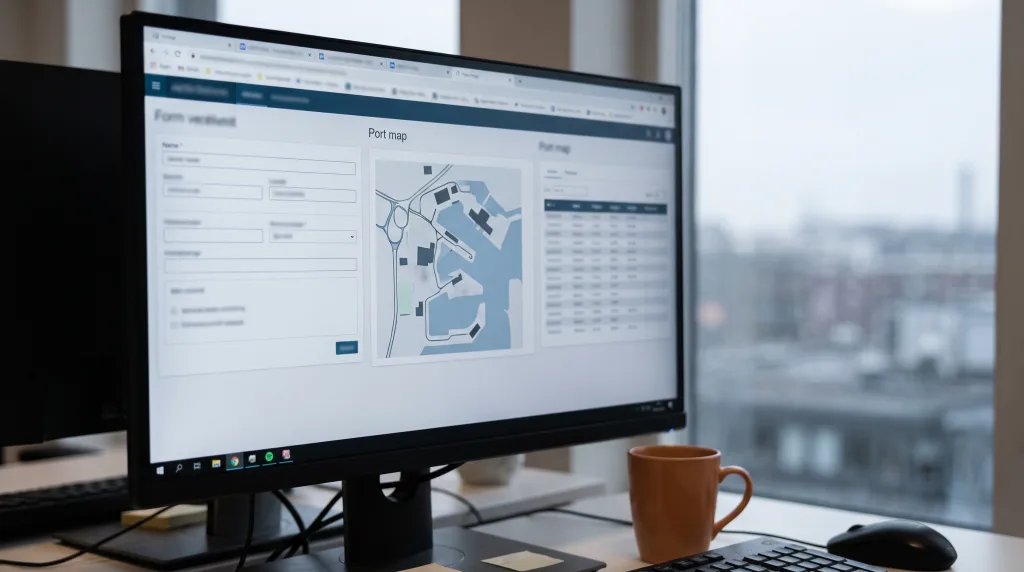
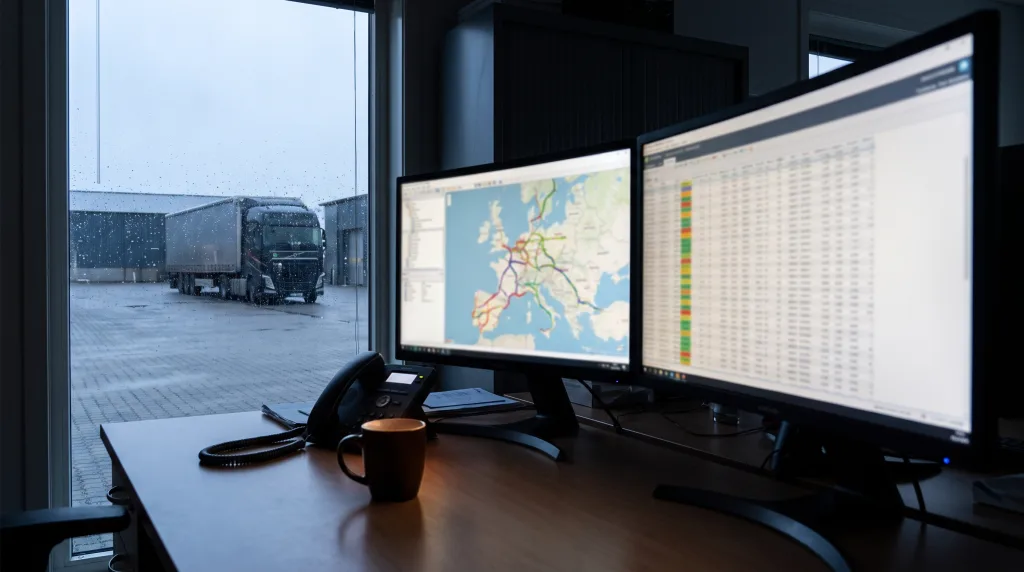
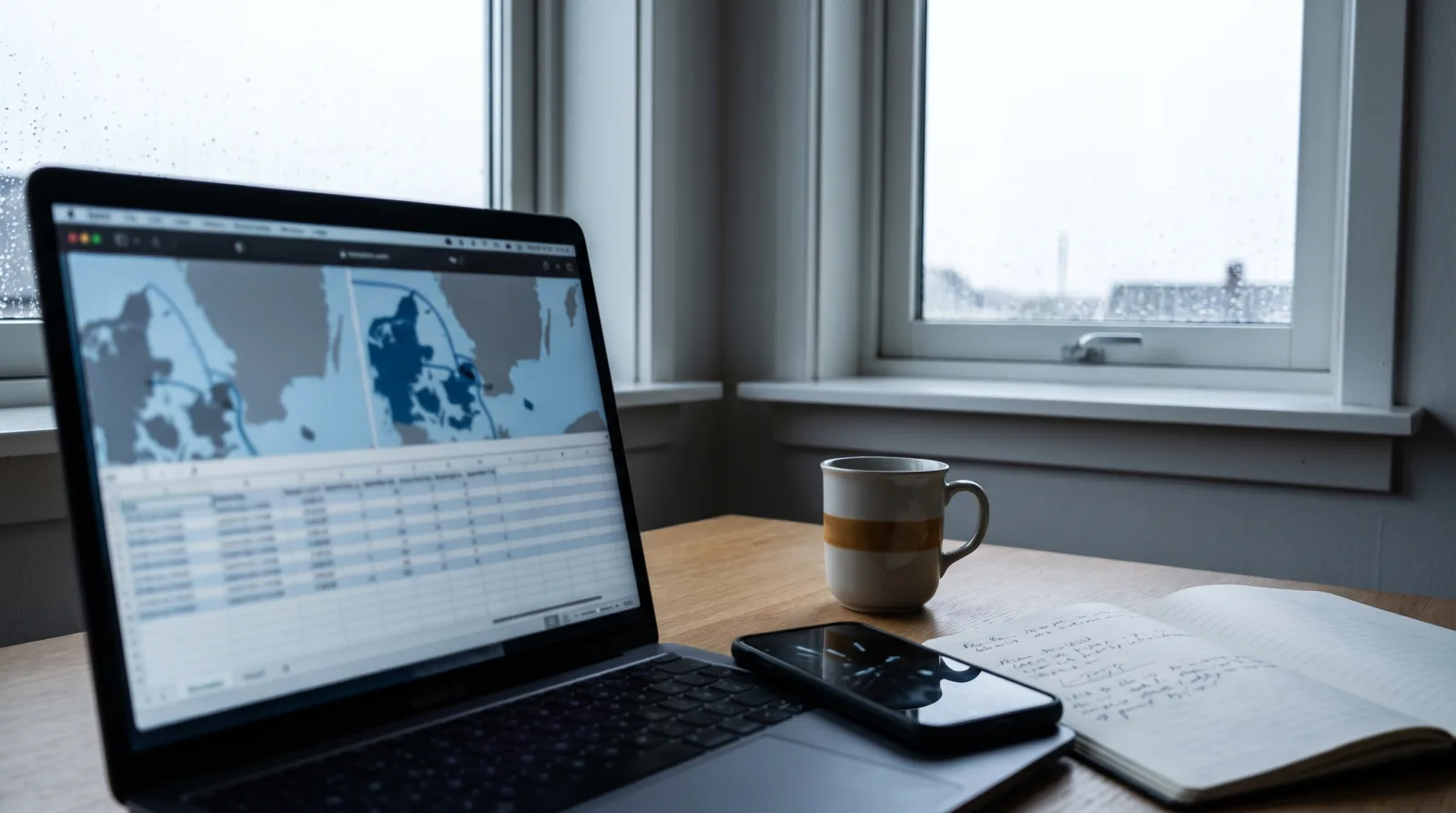
Everything that is information rather than goods. A quote is built from dimensions, weight, dates and unloading conditions; for that you need a phone and a spreadsheet, not a desk in Kielce. Choosing the carrier, confirming the loading slot, booking in with the consignee, booking the ferry, passing documents to the customs agency, tracking the vehicle and calling the client when something slips: all of it goes through a browser and a headset. The UK border systems, GVMS and CDS, are online, and so are consignees' delivery booking portals and carrier selection tools.
At OTSL one person runs a shipment from quote to delivery, so a remote forwarder is not "support" for someone in the office. You run your own shipments and answer for them exactly as a colleague at the next desk in Kielce does. The client sees no difference, provided you pick up the phone and know where the truck is. That is what work from home freight forwarding in Poland looks like in practice.
What needs the Kielce base, and who does it?
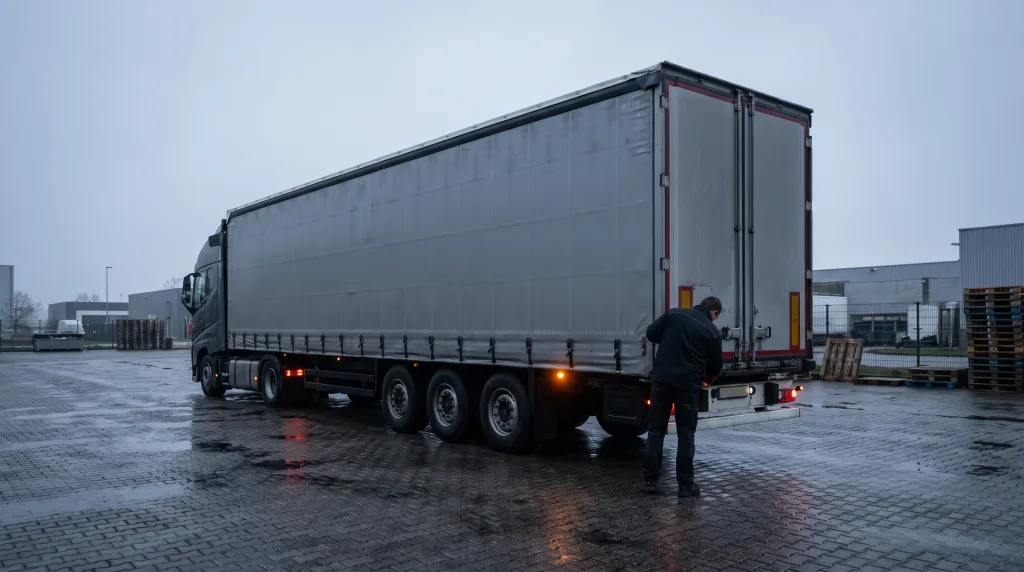
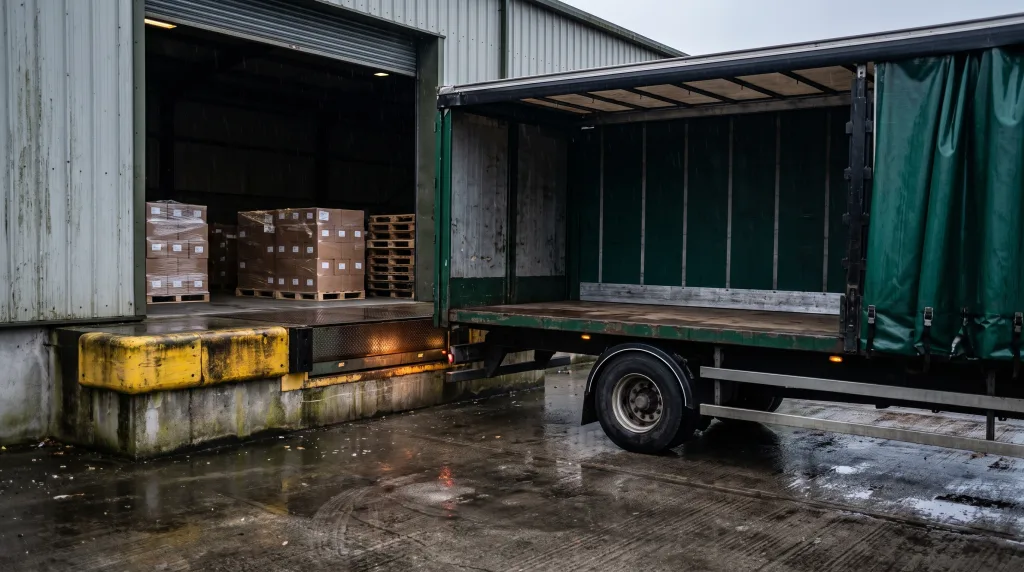
OTSL's head office and transloading base are in Kielce at ul. Batalionów Chłopskich 71. The warehouse runs 24/7 and has a loading ramp, a lorry-mounted crane and forklifts up to 5 tonnes. That is where the work you cannot do through a screen happens: checking quantity and condition at loading, photos for the file, sealing the trailer, moving pallets between vehicles and holding them before onward transport. On the British side the Milton Keynes team does the same, and Legnica is the second base in Poland.
The forwarder, remote or office-based, does not perform those tasks. You order them and receive the result: photos, seal number, confirmed quantity. The difference between the two modes comes down to whether you can walk down to the ramp and look at the pallet yourself or ask for a photo. In daily practice the photo is the norm for office-based forwarders too, because their cargo is in Legnica or in England anyway.
What does availability look like when a shipment lives at night?
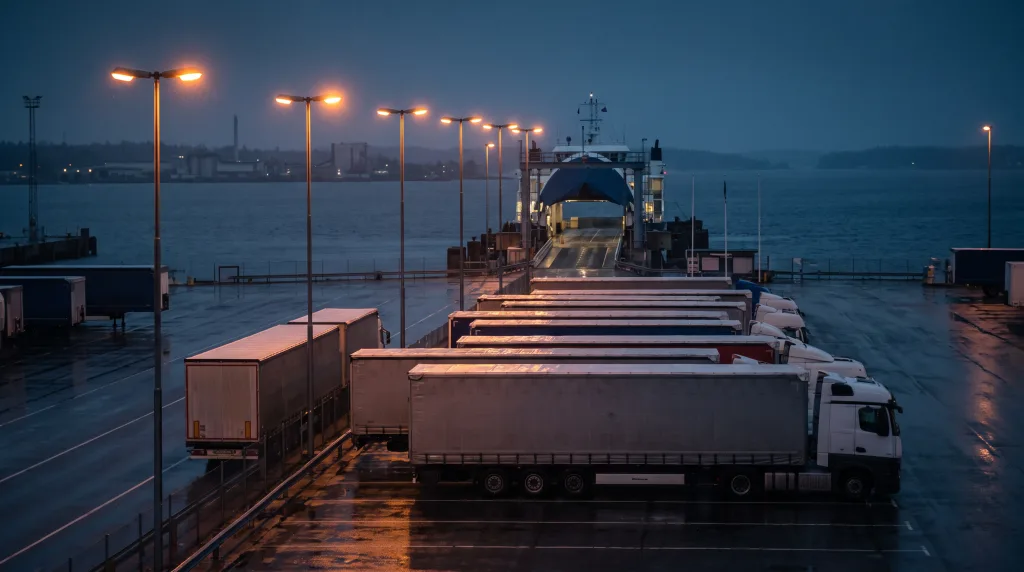
The OTSL operations team works 24/7, but as a team: duty cover does not mean one forwarder keeps a phone under the pillow for a week. Your UK-bound truck may be queuing for the ferry in Dunkirk at three in the morning, and then the driver calls the duty colleague, not you. The condition is that the duty colleague finds everything about your shipment in the system: booking number, GMR status, shipper and consignee contacts. A remote forwarder who leaves a complete file behind is as readable to the duty desk as an office-based one.
During the hours in which you run your shipments, availability is a duty, not an option. A driver is standing at the loading bay asking about the delivery booking; the customs agency wants the missing invoice; the client wants to know whether the truck arrives before the warehouse closes. Each of those questions has a response time measured in minutes. If you can keep that rhythm at home, the remote mode works. If not, the Kielce office is the safer choice.
A remote forwarder's day step by step
- Review of live shipments. You start with statuses: which trucks are on the road, which are waiting to load, which deliver today. You check that every UK-bound shipment has the shipper's import documents, because without them no GMR can be created.
- Quotes and confirmations. You answer enquiries, ask for details, send quotes and confirm accepted orders. Every confirmation goes into the system in a form the duty desk can read.
- Delivery bookings and ferry bookings. You reserve slots in consignees' booking portals, book ferries and pass the data for the GMR and safety declarations to the customs agency.
- Contact with drivers and warehouses. You receive loading photos and seal numbers from the teams in Kielce, Legnica or Milton Keynes. You confirm to the driver that the document set is complete and remind them about the trailer check before the port.
- Handling deviations. Ferry delay, no slot, quantity mismatch: you tell the client before they call and agree a new time or an alternative.
- Closing the day. You update statuses, hand the duty desk a list of shipments that may need attention overnight, and note what is missing for tomorrow.
Definitions
- GVMS (Goods Vehicle Movement Service): the UK system linking customs declarations to a vehicle's passage through a port, accessed through a browser.
- CDS (Customs Declaration Service): the UK customs declaration system where import and export declarations are lodged.
- GMR (Goods Movement Reference): the GVMS reference a truck presents when boarding a ferry to the UK.
- Delivery booking (booking-in): reserving a delivery window with the consignee, through a portal or by phone, done by the forwarder.
- Lorry-mounted crane (HDS): a hydraulic crane fitted to a vehicle, used in Kielce for cargo a forklift cannot handle.
- Duty cover: team readiness to respond outside standard hours, maintained 24/7 at OTSL.
Checklist before choosing the remote mode
- You have experience in international forwarding and have already run shipments on your own, without someone checking every step.
- You can stay available during the hours your shipments are running: phone answered, e-mail read, system updated.
- You know logistics platforms: customs systems, delivery booking portals, carrier selection tools. Which specific tools are in use, you will agree in conversation.
- You document agreements so that the duty desk does not have to call you at night.
- You have a stable connection and a place where you can speak freely with a driver or a client.
- You know that terms of engagement, working hours and pay are discussed by the owner in the first conversation, not published in an advert.
When is remote forwarding not enough?
The remote mode does not apply to work on the goods. If a shipment needs a cargo check on the ramp, restacking onto other pallets or sealing with a report, the warehouse team in Kielce, Legnica or Milton Keynes does it, and where the forwarder sits is irrelevant. Working from home also stops working when availability during shipment hours cannot be kept, unless you hand the shipment to the duty desk beforehand with a complete file. The choice of mode depends on how you work, not on a company preference: both options carry equal weight, and you make the decision together with the owner.
The OTSL role
OTSL is an international freight forwarder with its head office and transloading base in Kielce, described in our article on forwarding and warehousing in Kielce. The operations team works 24/7, and when a carrier fails to show or a truck breaks down en route we activate emergency transport takeover. Why a delivery deadline cannot be "sped up" by phoning the driver is explained in our piece on driver hours and the tachograph. If you would like to talk about remote or on-site work, use the contact form with the subject "Careers". See also: Night shift on a 24/7 freight desk: a truck stuck in Dunkirk at 3 am and HGV driver Poland to UK at OTSL: curtainsider, Kielce, office papers.