 AI image
A freight booking is a reserved place for a truck and trailer on a specific sailing, held on the forwarder's freight account with the crossing operator. It contains the vehicle data and dimensions, the driver details, the cargo description with an ADR declaration where needed, and for entry into Great Britain a GMR (Goods Movement Reference, required at the UK border) number tying the customs declarations together. A driver cannot buy this at the gate, because freight is not sold like a passenger ticket.
What the reservation actually contains
- Sailing and route: port of departure, port of arrival, planned departure, with the rest of the delivery synchronised to it.
- Vehicle: registration numbers of the tractor and trailer plus the length and height of the unit, because deck space depends on them.
- Driver: details for check-in and document control in the port.
- Cargo: description of the goods, weight, and for dangerous goods an ADR declaration lodged before the sailing, not at the ramp.
- For Great Britain: a GMR number from the GVMS system, in which the customs declarations for the whole load must be linked.
Why is the gate not a ticket office?
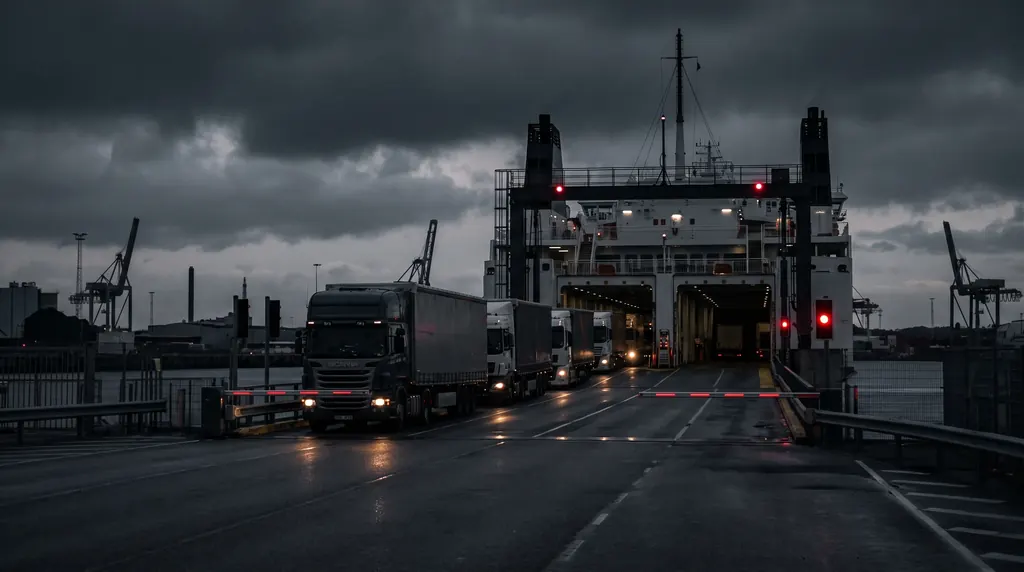
Ferry operators sell freight on freight accounts: company accounts with negotiated rates, limits and history. A single truck without an account is anonymous to the operator, so at best it pays the highest walk-up rate and waits for free space, at worst it is told there is no freight space without a reservation. Then comes the border: without a GMR the system does not admit the truck to a terminal bound for Great Britain, no matter how much cash the driver carries. How GVMS works is explained in ELO, ENS, GMR and GVMS in practice.
What happens when something is missing
A wrong registration number, undeclared ADR or a missing GMR all work the same way: the truck stands, the sailing leaves, and the slot at the receiver leaves with it. A lost crossing means in practice a day of delay and a moved booking-in, sometimes also an amendment fee. There is little margin for fixes: DFDS closes check-in on Dover-Calais 60 minutes before departure and in high season advises another 120 minutes for the controls before check-in. That is why we verify the unit data before departure from the yard, not in the check-in queue.
How does it work with us?
We hold freight accounts with operators on the Channel, the North Sea and the Baltic, so the reservation, the declarations and the GMR are created in one place, tied to the clearance and the transport. The driver receives the full set of numbers before departure and at the gate only confirms what is already in the system. Details on the ferry booking service page, the full journey under road transport, and the export process to Britain under UK export support.
What happens if you change the vehicle at the last minute or miss the port deadline?
When you book a ferry crossing, the operator reserves deck space based on specific dimensions, such as a 16.5 metre articulated vehicle. If a different tractor unit or trailer arrives at the check-in booth and the weight discrepancy exceeds 500 kg compared to the booking declaration, the automated system will reject entry. Updating vehicle registration numbers in the portal is usually permitted up to 2 hours before departure. Beyond this cutoff time, amendments require cancelling the booking and rebooking, which leads to driver downtime if the vessel is fully booked.
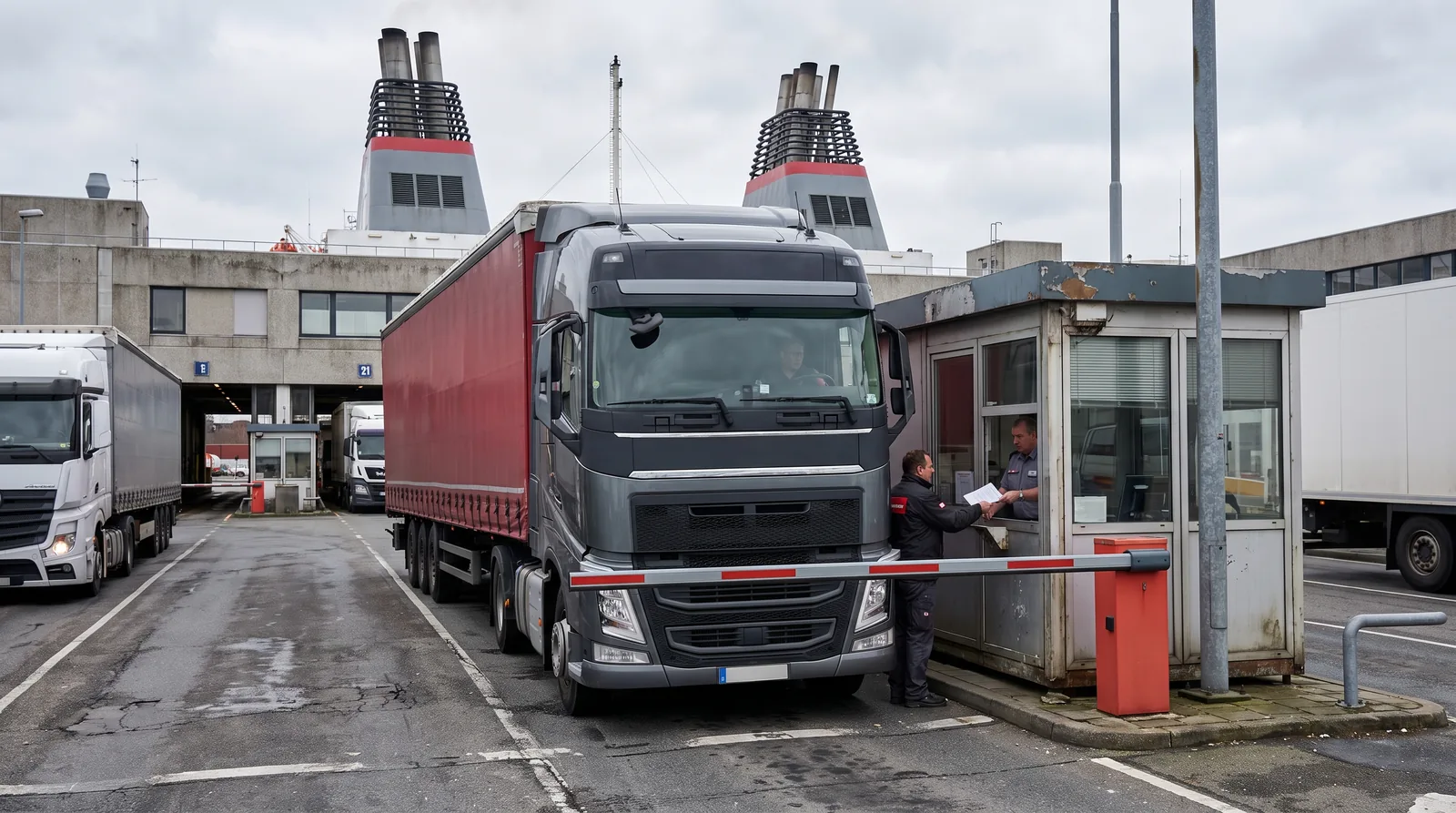
If you arrive late at the port terminal, you lose your allocated check-in window. Port systems typically grant a 24 hour grace period to use the booking on a subsequent departure, provided there is available lane capacity. Crucially, changing a trailer requires an immediate update to the Goods Vehicle Movement Service (GVMS) to generate a updated Goods Movement Reference (GMR). If the ANPR cameras at the port gate read registration plates that do not match the GMR data, the barrier will not raise.
- Vehicle length amendments exceeding 16.5 metres require manual deck space re-calculation by the port operator.
- Failure to update vehicle plate details less than 2 hours prior to departure blocks automated gate entry.
- Weight variances over 500 kg trigger mandatory weighbridge verification at the freight terminal.
Note that these strict booking modification rules do not apply to open-ticket tariffs with flexible check-in windows or shuttle rail transfers, where bookings are tied to a time band rather than a specific scheduled sailing.
Step by step
- Data collection. You gather the vehicle registration numbers, overall dimensions, driver details, and cargo parameters.
- Customs filing. You generate the necessary customs entries and secure the border clearance reference number.
- System reservation. You log into the freight account to submit the booking with the crossing operator.
- Data validation. You confirm that registration plates and vehicle dimensions match the booking record.
- Port check-in. The driver presents the booking reference and border clearance codes at the port gate.
Definitions
- Freight booking: A reserved space for a commercial vehicle unit on a specific ferry or train crossing.
- GMR (Goods Movement Reference): A unique reference number generated in the UK border system linking customs declarations.
- ADR (Accord Dangereux Routier) declaration: A mandatory notification of dangerous goods carried, submitted prior to the sailing.
- Freight account: A specialized account held by a forwarder with a crossing operator to reserve commercial vessel spaces.
The OTSL role
When arranging cross-border transport, OTSL manages the complete ferry booking process and ensures all customs codes are properly linked. You can learn more about how ferry bookings on EU-UK routes work to keep your vehicles moving without hold-ups at the port terminal.